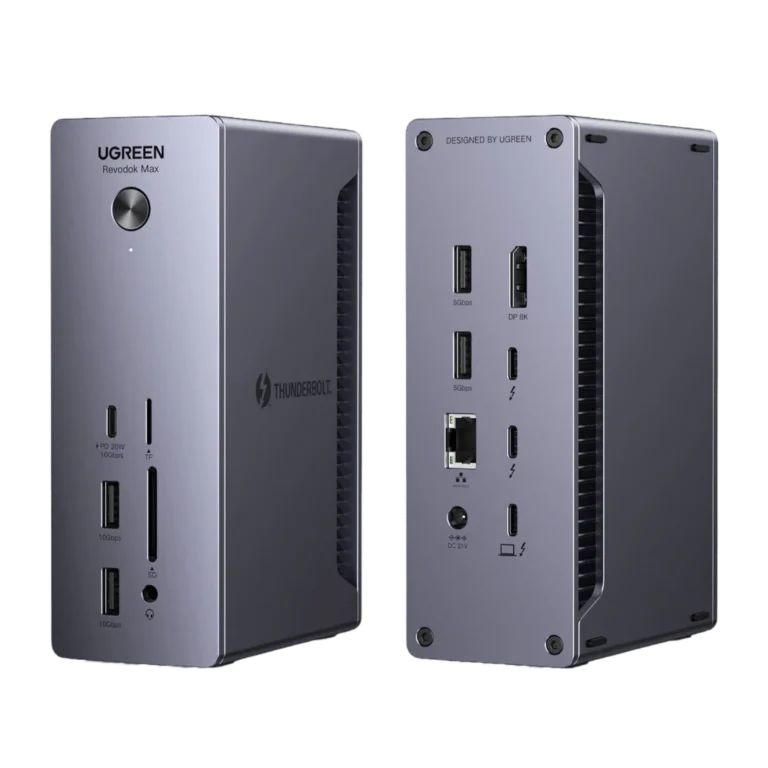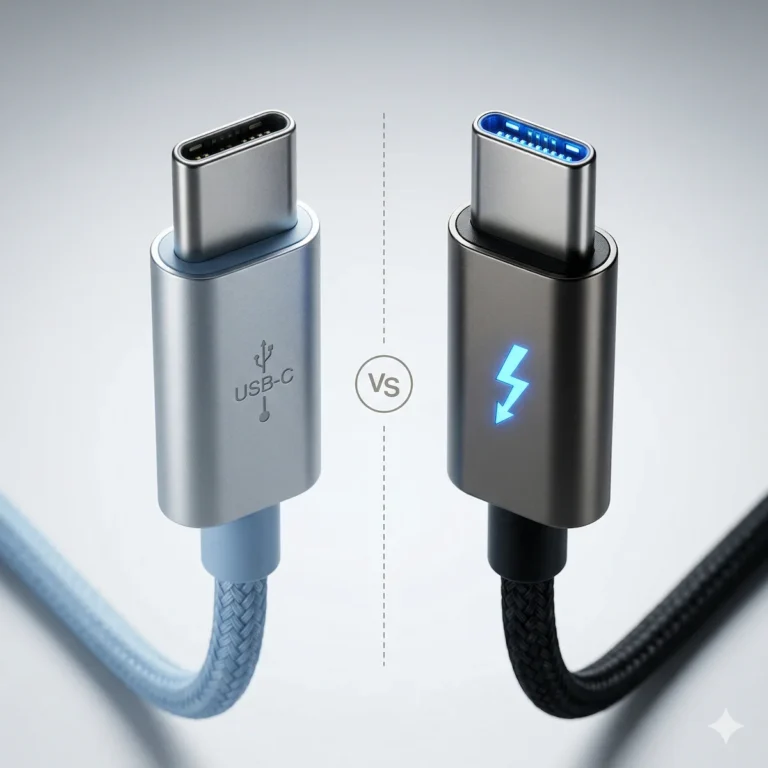
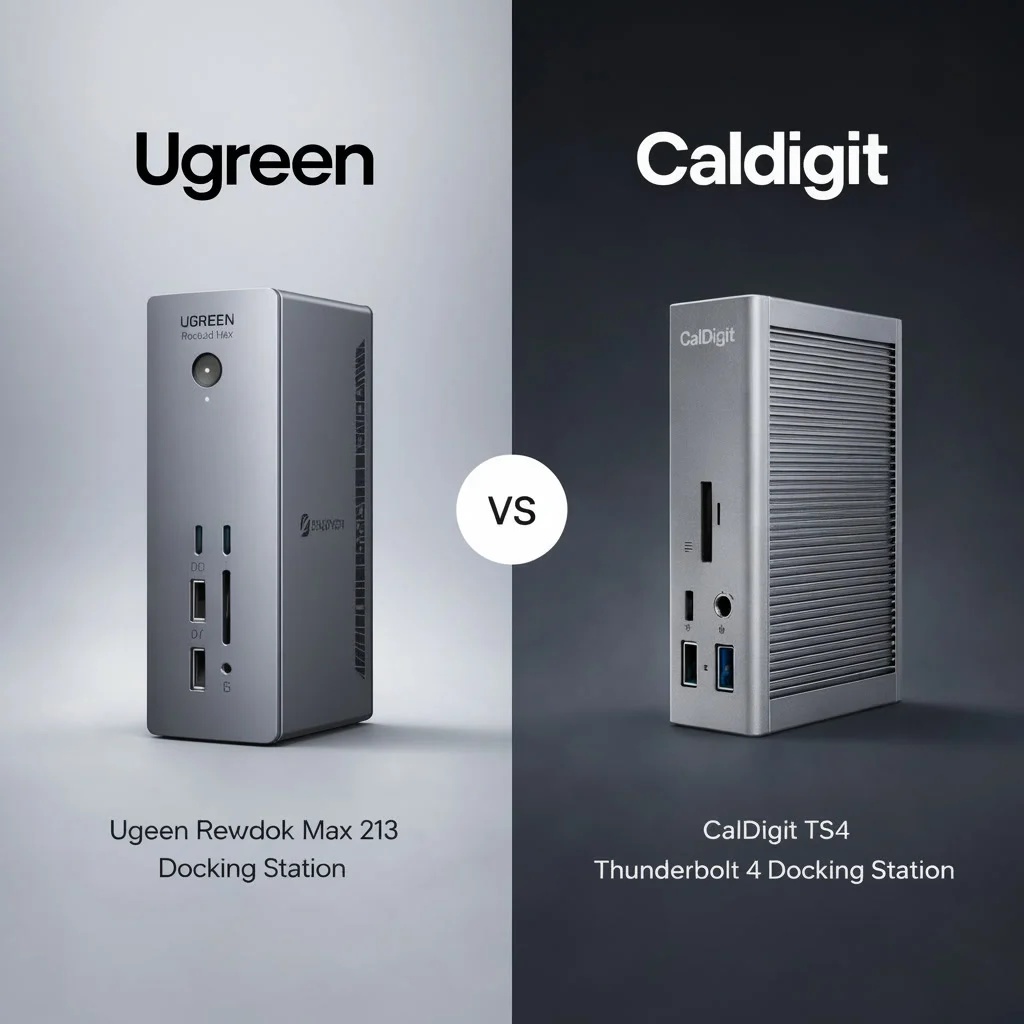
UGREEN Revodok Max 213 vs CalDigit TS4: Stability, Windows Displays & Firmware Failure Modes

This Is a Post-Mortem, Not a Showroom
You’re not just comparing two Thunderbolt 4 devices. You’re choosing between two engineering philosophies for a critical piece of desk infrastructure: the docking station. Each philosophy brings a predictable set of failures. On one side, the UGREEN Revodok Max 213—a feature-dense powerhouse promising maximum performance per dollar. On the other, the CalDigit TS4—the industry benchmark, where the cost is in refined firmware and unshakeable stability for complex setups. This analysis isn’t about which product is “better.” It’s a forensic comparison of how and why each docking station fails in real-world Windows deployments, specifically in the context of UGREEN Revodok Max 213 vs CalDigit TS4.
Who This Technical Breakdown Is For
This is written for the user who selects a docking station based on its long-term role in a stable system. You should read this if:
- You are integrating a docking station into a multi-monitor Windows environment and need to predict its behavior under stress.
- You understand that all hardware fails, and you want to know the specific conditions under which these docking stations are likely to falter.
- Your decision hinges on the docking station’s long-term reliability and support cadence, not just day-one features.
This analysis is likely overkill if: Your needs are met by a basic USB-C hub, you use a Mac exclusively with simple display needs, or price is the sole determining factor without consideration for the docking station’s uptime.tion for uptime. This is the lens through which the UGREEN Revodok Max 213 vs CalDigit TS4 comparison should be evaluated.
Core Architecture: Aggressive Integration vs Conservative Refinement
The fundamental difference between these two docking stations is not in their chipsets, but in their design priorities. These priorities dictate every component choice and directly impact the daily experience with the docking station.
UGREEN Revodok Max 213: The Aggressive Integrator
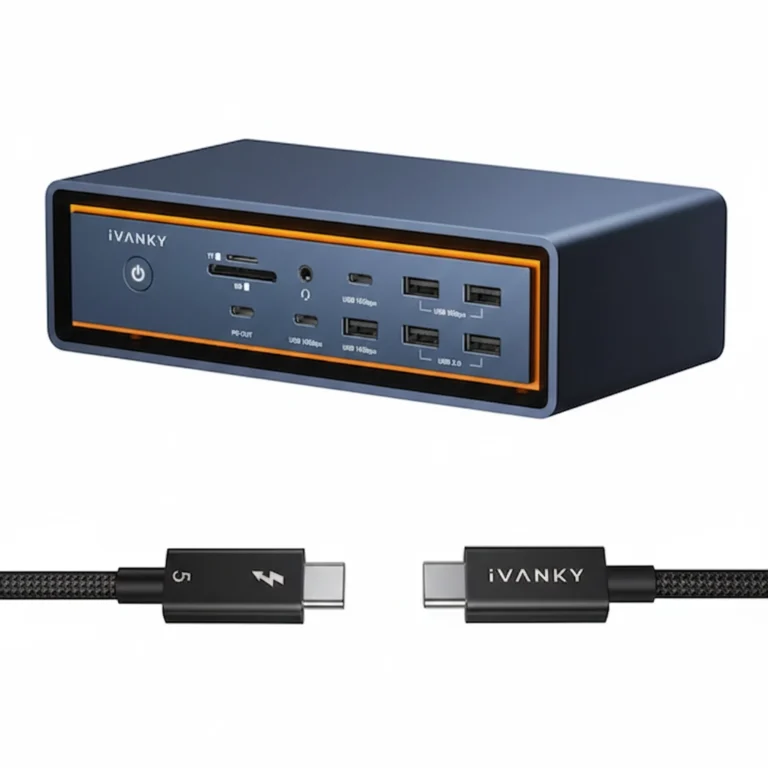
UGREEN’s philosophy with this docking station is to push the USB4/Thunderbolt 4 specification to its consumer-friendly limits. This model crams high-wattage charging, a 2.5GbE port, and extensive display output into a compact form factor at a highly competitive price.
- Thermal Strategy: This docking station uses passive cooling only. The aluminum chassis acts as a heatsink. Under sustained high load, the internal controllers can heat up, leading to potential thermal throttling—a primary constraint of its design.
- Component Sourcing: This docking station utilizes a mix of available controller chips to meet its feature list and price point. Firmware updates are often reactive, issued to resolve widespread compatibility conflicts that emerge post-launch.
- Goal: Deliver 95% of flagship docking station performance for 60% of the cost. The user accepts a marginal increase in instability risk for this value.
CalDigit TS4: The Conservative Refiner
CalDigit’s approach with this docking station is architectural stability. It is designed from the ground up as a professional tool, with a larger chassis and a robust internal thermal design.
- Thermal Strategy: This docking station employs a larger, engineered heatsink with more thermal mass. It is designed to handle sustained peak load without throttling, ensuring consistent performance.
- Component & Firmware Philosophy: This docking station uses established, well-understood Thunderbolt controllers. Its firmware development is proactive and methodical, focusing on refining enumeration timing and power state transitions across diverse host systems.
- Goal: Provide a deterministic, reliable endpoint for complex workstation setups. The user pays a premium for a docking station with reduced performance variance and deeper compatibility assurance.
Firmware Cadence: Reactive Patching vs Proactive Refinement
Firmware is the personality of your docking station, and in UGREEN Revodok Max 213 vs CalDigit TS4, it is one of the clearest sources of long-term divergence. It dictates how the device recovers from errors, negotiates with your BIOS, and wakes from sleep. The update strategy for each docking station reveals their core priorities. The table below shows not just how often firmware updates arrive, but how each manufacturer reacts to failure reports on Windows.
| Aspect | UGREEN Revodok Max 213 | CalDigit TS4 |
|---|---|---|
| Update Philosophy | Reactive. Updates are released to address specific, critical bugs reported by users (e.g., “monitor not waking with Dell XPS 9530”). | Proactive & Refinement. Updates are released to improve general compatibility, refine power negotiation, and add support for new host systems before issues become widespread. |
| Release Notes | Often brief, focusing on “fixed compatibility issues.” Less technical detail. | Typically detailed, explaining the technical scenario improved (e.g., “Improved USB device enumeration timing when resuming from Modern Standby”). |
| Windows-Specific Focus | Can be inconsistent. Some updates improve Windows handshakes; others may introduce regressions. | A primary development focus. CalDigit invests heavily in testing against a wide array of Windows OEM BIOS and driver combinations. |
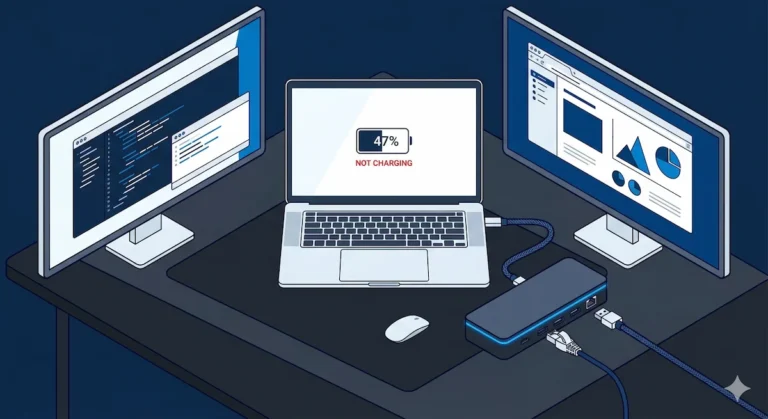
The Practical Impact: A UGREEN docking station owner may need to check for a firmware update to solve a new, specific problem. A CalDigit docking station owner often receives firmware that makes an already stable system more resilient. These firmware differences surface most clearly during power delivery negotiation. Reactive firmware approaches are more likely to produce intermittent charging failures, where the docking station connects but fails to deliver stable wattage to the host laptop—especially after sleep or under sustained load. This behavior is a known outcome of Power Delivery negotiation bugs rather than defective hardware. We document this failure class and the exact diagnostic process in our docking station not charging laptop guide. For a deep dive into the TS4 docking station’s complex behaviors, our CalDigit TS4 troubleshooting guide is essential, while the UGREEN Revodok Max 213 guide details its specific value-driven challenges.
Windows-Specific Behavior: Why These Docks Fail Differently on PCs
The performance gap between these docking stations widens significantly in Windows environments, making UGREEN Revodok Max 213 vs CalDigit TS4 less about features and more about failure tolerance. Windows’ reliance on DisplayPort MST, aggressive power management, and varied OEM driver stacks creates a complex landscape where each docking station’s architectural decisions become clear failure points.
Display & Bandwidth Management: Pushing Limits vs Guaranteeing Headroom
Both docking stations support multiple high-resolution displays, but they manage the Thunderbolt pipeline very differently. Windows’ use of DisplayPort MST (Multi-Stream Transport) adds significant overhead, turning the docking station’s bandwidth allocation into a critical stability factor.
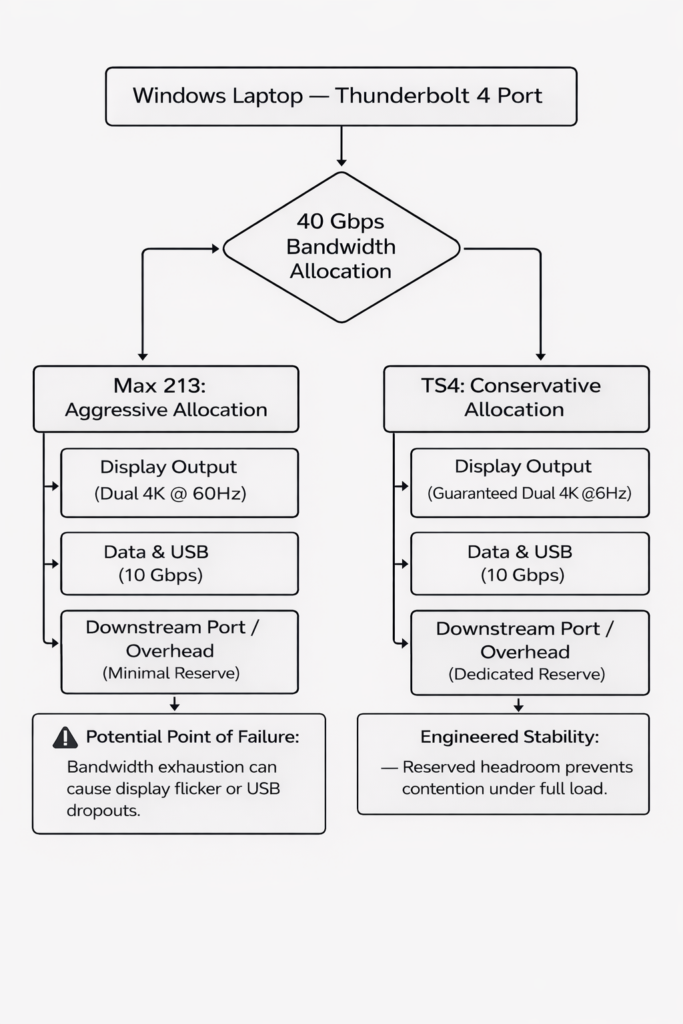
UGREEN Revodok Max 213: This docking station is engineered to allocate maximum bandwidth to displays, which can leave minimal overhead. Pushing dual 4K@60Hz works, but adding a high-speed SSD can tip the system, causing display flicker. These failures are predictable under sustained dual-display load or heavy I/O with this docking station.
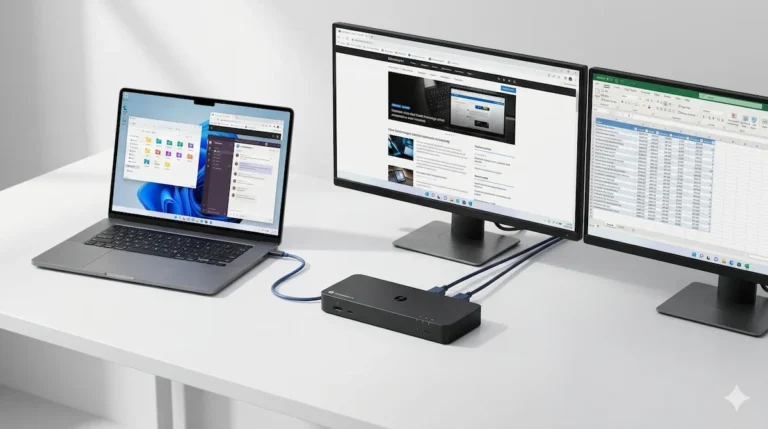
CalDigit TS4: This docking station is engineered with guaranteed headroom. Its internal controller reserves bandwidth, meaning running dual 4K displays while transferring files is within its designed operational envelope. This makes the docking station stable under combined loads.
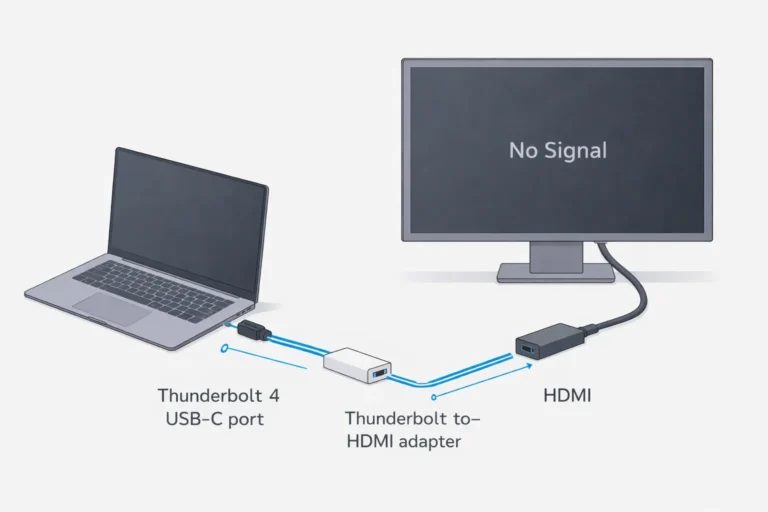
For users pushing complex display setups, understanding MST is critical. Our guide on Thunderbolt Daisy Chain issues on Windows explains the underlying protocol where these docking station bandwidth decisions play out.
Sleep, Wake & Power State Negotiation: The Ultimate Stress Test
A docking station’s true character is revealed when the Windows host sleeps and wakes. This process tests the docking station’s firmware, the host’s Thunderbolt controller, and Windows’ power policies—a fragile three-way handshake.
Modern Standby & Re-Enumeration
Windows Modern Standby (S0 low-power idle) is a common failure point for any docking station.
- UGREEN Revodok Max 213: This docking station is more susceptible to the “zombie dock” state, where peripherals are dead until a physical reconnect. This indicates firmware that struggles to re-initiate the host connection.
- CalDigit TS4: This docking station demonstrates more robust recovery logic. Its firmware is more persistent, leading to higher success rates for a clean wake, though a power cycle may still be needed occasionally.
Power Delivery & Stability Under Load
Both docking stations provide high-wattage charging, but their behavior during power fluctuations differs.
- Scenario: A bus-powered NVMe SSD is connected to the docking station.
- UGREEN: This docking station may briefly “brown out,” causing a momentary disconnect of all USB devices as internal power is redistributed.
- CalDigit: This docking station’s power delivery circuitry is designed to handle transient loads more gracefully, prioritizing the host connection.
Support, Longevity & The Real Cost of Ownership
The purchase price is the first cost. The ongoing cost of a docking station is measured in troubleshooting time and its longevity.
| Consideration | UGREEN Revodok Max 213 | CalDigit TS4 |
|---|---|---|
| Documentation | Functional spec sheets; deeper technical FAQs are rare. | Detailed technical notes, clear update procedures, and proactive compatibility lists. |
| Community Support | Large user base, so common issues have crowd-sourced fixes. Solutions can be inconsistent. | Smaller, more technical community. Issues often resolved through official firmware updates. |
| Long-Term Signal | Models are iterated quickly. Support for a specific model like the Max 213 may fade as newer versions launch. | The TS4 is a long-term platform. CalDigit has a track record of supporting flagship models with firmware updates for 3+ years. |
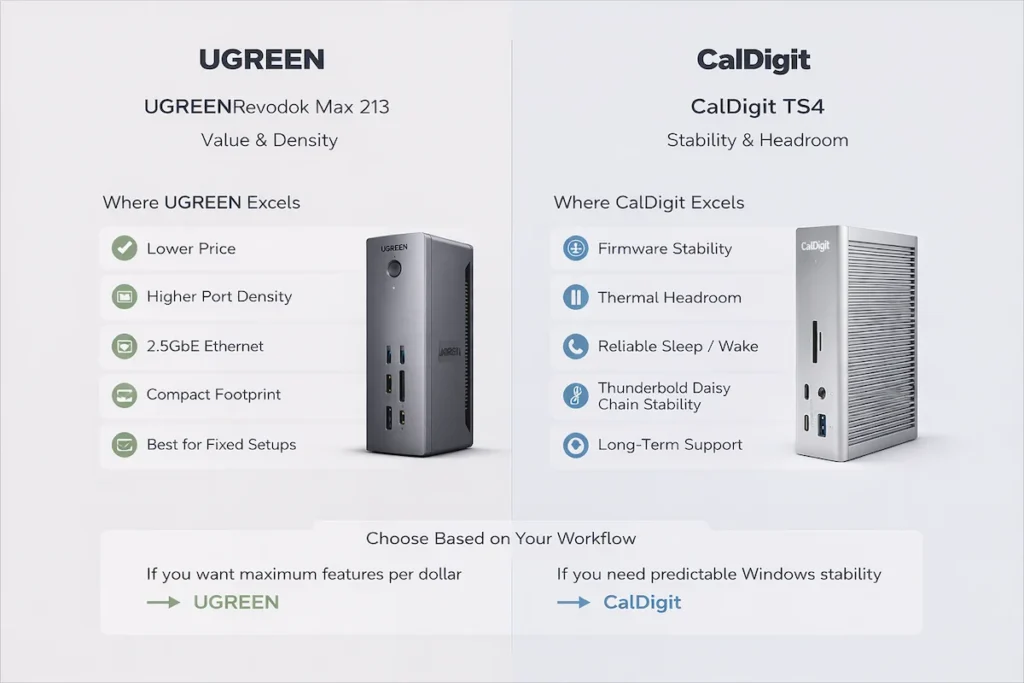
Choose Based on Your Failure Tolerance
At this stage, UGREEN Revodok Max 213 vs CalDigit TS4 becomes a question of which failure profile aligns with your workflow expectations.
Choose the UGREEN Revodok Max 213 docking station if your setup is:
- Cost-Optimized: The budget for your docking station is a primary constraint.
- Statically Defined: You have a known-compatible laptop and standard monitor setup for your docking station.
- Manually Managed: You are comfortable performing occasional power-cycle resets on your docking station.
- Non-Critical: Downtime or occasional display flicker from your docking station is an acceptable nuisance.
Choose the CalDigit TS4 docking station if your workflow requires:
- Deterministic Behavior: You cannot afford random disconnects from your docking station during critical tasks.
- Complex Configurations: You use dual 4K+ displays or daisy-chaining with your docking station.
- Reliable Sleep/Wake: Your laptop sleeps frequently, and you need your docking station to wake reliably every time.
- Long-Term Investment: You expect the docking station to remain a stable part of your setup for years.
Final Analysis: A Question of Architectural Priority
There is no “winner.” The UGREEN Revodok Max 213 is an exceptional docking station for the price, pushing the limits of what’s possible in a consumer-focused package. The CalDigit TS4 is a professional tool. Its premium covers the engineering cost of headroom, refined firmware, and stability assurance in a docking station.
For most professionals, the TS4 docking station’s architecture justifies its cost by removing the device as a variable. For the savvy user with defined needs, the Max 213 docking station delivers tremendous capability with a manageable level of required oversight.
- If your priority is stability-first in a complex setup, our CalDigit TS4 troubleshooting guide dives deeper into this docking station.
- If your priority is value-first, our UGREEN Revodok Max 213 problem-solving guide provides targeted fixes for that docking station.
FAQ (Model-Specific)
The following answers address the most common questions raised during the UGREEN Revodok Max 213 vs CalDigit TS4 evaluation for Windows-based setups.
Q: For a dual 4K@60Hz setup on Windows, which docking station is more reliably stable?
A: The CalDigit TS4. Its bandwidth management and thermal design are engineered to handle this sustained load. The UGREEN Max 213 docking station can do it, but stability may be impacted by ambient temperature and simultaneous data transfers.
Q: Which docking station has better support for daisy chaining displays?
A: The CalDigit TS4. Its downstream port is a full-featured Thunderbolt 4 port designed for this purpose in a docking station. The UGREEN Max 213 docking station’s downstream port is more limited.
Q: If my UGREEN docking station has sleep/wake issues, is a firmware update likely to fix it?
A: It’s possible, but not guaranteed. UGREEN’s reactive updates for the docking station do address common issues. However, some sleep/wake problems are inherent to the docking station’s architecture.
Q: Is the CalDigit TS4 docking station worth more than double the price of the UGREEN Max 213?
A: It depends entirely on your tolerance for risk and need for uptime. For a basic setup, no. For a complex professional workstation, the TS4 docking station’s reliability often justifies the investment.
Why You Can Trust This Technical Breakdown
My name is Alex. I hold a BSc in Computer Systems and have spent over twelve years as an IT infrastructure consultant and systems architect. My practice specializes in building resilient digital workspaces for sectors where downtime translates directly to financial loss or operational failure.
The insights here are not from spec sheets. They are from the deployment logs: from the batch of UGREEN docking stations that performed flawlessly for general staff but failed under the load of the engineering team’s dual 4K simulations, and from the CalDigit TS4 docking station that became the unchanging anchor for a trading desk despite numerous host laptop refreshes. This analysis is a distillation of that hands-on, failure-mode-focused methodology. It treats a docking station not as a commodity, but as a core component of system architecture, with its own reliability engineering and predictable points of failure.