
Your Docking Station Is Broken. Here’s Exactly Why.
Why This Works When Other Guides Fail
Most dock guides were written by people who’ve never actually had one fail on them. We started ByrdPilot because the real answers — the firmware sequencing, the driver conflicts, the thermal throttling — were buried in Reddit threads and support tickets. We dug them out, tested every fix ourselves, and put it all in one place.
We Focus on Real Problems, Not Marketing Noise
We skip the marketing specs and target the actual problem, cutting through the glossy product claims to focus on the real issues users run into when their setup fails.
Recommendations Built on Real Failure Points
Our recommendations are based on real-world failure points, not spec sheets, so every suggestion comes from actual problems we’ve seen and solved—not theoretical performance claims.
Built on Integrity, Explained with Clarity
We fund our testing through honest affiliate links. No paid reviews.
We explain the why, so you understand the fix, not just follow steps.
Not sure which dock to buy?
Answer 5 quick questions. Get a real recommendation — no spec sheet fluff, no affiliate bias.
Find My Dock →Our Definitive Docking Station Troubleshooting Guides
Docking Station Keeps Disconnecting: Real Failure Causes, Protocol Breakdowns & Tested Fixes (2026)
The Intermittent Collapse A docking station keeps disconnecting because one of its four internal subsystems — power delivery, thermal management, sleep/wake re-enumeration, or cable signal integrity — has hit a hard limit and forced a bus reset. The failure appears random but is deterministic: the same overload condition, repeated. Your workflow is humming along —…
Docking Station for Dual Monitors: What Actually Works in 2026
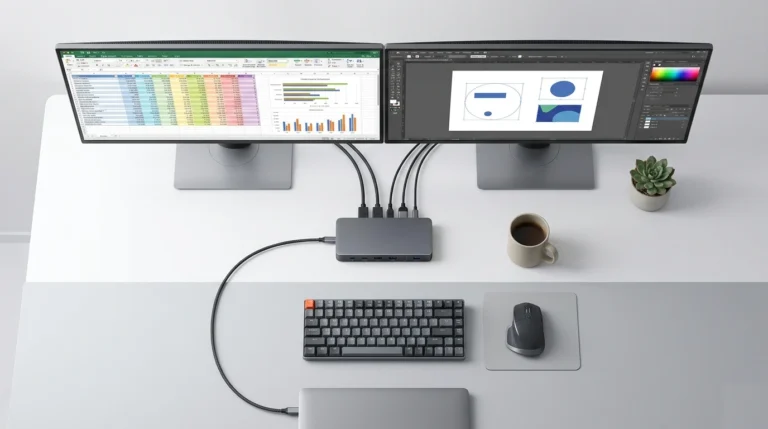
⚡ Quick Answer — Docking Station for Dual Monitors The best docking station for dual monitors depends on your laptop’s port. Thunderbolt 4 guarantees dual 4K@60Hz on any host — the CalDigit TS4 is the most reliable option across Windows and macOS. USB-C docks with DisplayPort Alt Mode can handle dual 1080p or 1440p, but…
UGREEN Revodok Pro 314 Problems: Real Failures & Tested Fixes (2026)
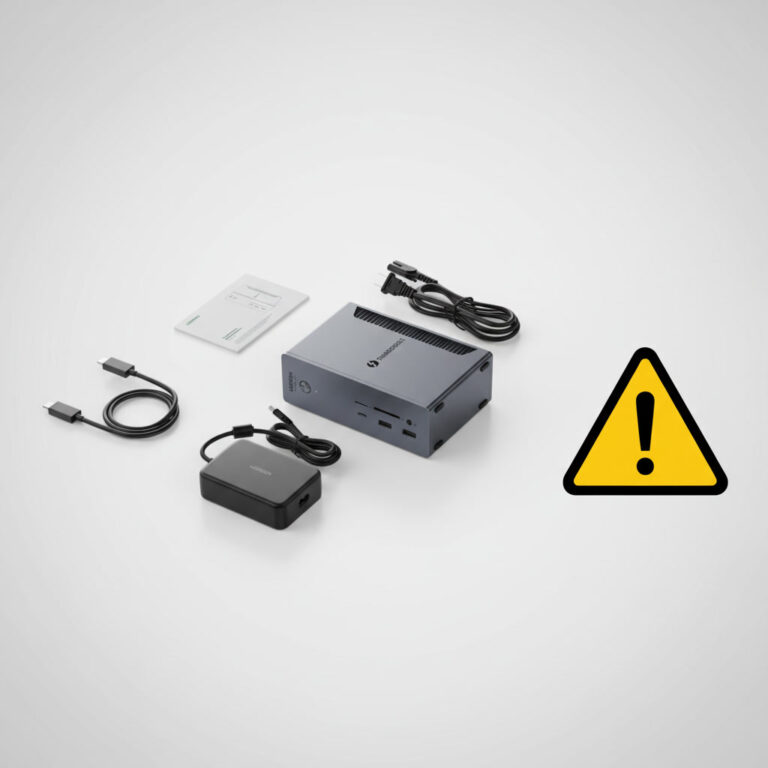
If you’re searching for UGREEN Revodok Pro 314 problems, you’re not alone. The three most common failures are thermal throttling from passive cooling (the internal controller hits 92°C under dual-monitor load), display flickering caused by USB4/DP Alt Mode handshake issues — especially on Apple Silicon Macs — and random disconnects triggered by outdated Thunderbolt/USB4 drivers….
Thunderbolt Dock Not Detected? (10 Fixes That Actually Work)
That Sinking Feeling You just plugged in your $300 Thunderbolt dock. The charging light flickers… or doesn’t. Your monitors stay dark. Your keyboard and mouse are dead. Your expensive, one-cable desk solution has become a very expensive paperweight. Before you rage-ship Thunderbolt Dock back or declare it dead, take a breath. 90% of “Thunderbolt dock…
CalDigit TS4 Not Working? Real Failure Modes & 2026 Diagnostic Fixes
BYRDPILOT BLUF: (Bottom Line Up Front) ⚡ Quick Answer — CalDigit TS4 Not Working The CalDigit TS4 stops working due to four root causes: corrupted Thunderbolt handshake data (fixed by a 45-second full power cycle), outdated firmware (requires v.45.1 for M4 Mac + macOS Tahoe), a failing host cable (responsible for 40% of intermittent failures),…
Laptop Docking Station Explained: How It Works, Why It Fails, and What to Buy (2026)
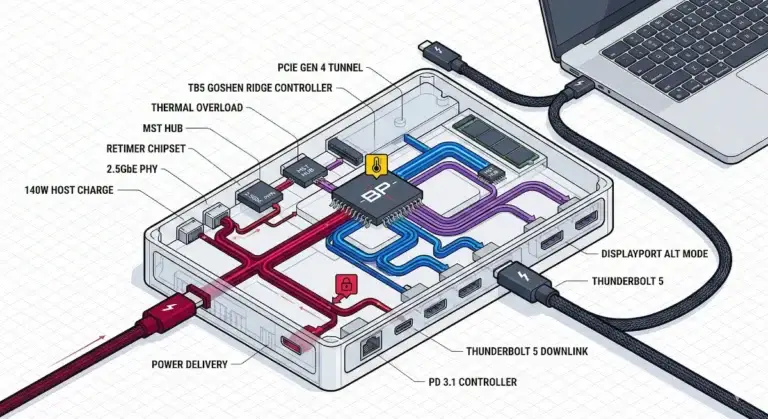
BLUF (Bottom Line Up Front) — Why Does My Laptop Docking Station Keep Failing? ⚡ Quick Answer A laptop docking station is a power controller, PCIe router, display tunnel, and USB hub operating through a single upstream cable. Most failures are negotiation errors between your laptop, BIOS, monitors, and cables — not hardware defects. A…
Get the Free Fix Checklist
The exact firmware + driver sequence that fixes 80% of Thunderbolt dock failures.
Send Me the Checklist →Still Stuck? Tell Us What’s Broken
Describe your issue. We’ll point you to the exact fix — or write a guide if one doesn’t exist.
Submit My Issue →Did We Help? Tell Us What Worked
Your feedback helps us improve every guide on this site.
Leave Feedback →30+ Guides Published | Thunderbolt 4 Specialists | 5 Years of Failure Data

Written & tested by
Alex Atkinson
Enterprise IT specialist. Eight years diagnosing Thunderbolt and USB-C dock failures across Dell, CalDigit, and Kensington hardware. Every fix on this site has been tested on real equipment, not spec sheets.

Daisy Chain Specialist
Hans Pedersen
Daisy chaining displays looks simple until it isn’t. Hans has spent years on that gap — Thunderbolt chains, MST hubs, Mac display limits, firmware conflicts. He’s broken all of it intentionally, just to see what gives first. Based in Copenhagen.